Excel Copilot Custom Skills: Saved Instructions Automate Financial Commentary
M365 Copilot users can now store reusable skill files in OneDrive and call them with @SkillName syntax, generating variance commentary directly on Excel worksheets.
- AuthorTom Whitfield
- ChannelAI & Emerging Interfaces
- Filed
- Read3 min
- Custom Copilot skills are stored as skill.md files in a 'skills' folder under Documents/Copilot/Microsoft Excel on OneDrive.
- The 'finance commentary writer' skill labeled an income variance of 682 as 'broadly in line with budget' because it stayed below the 1% threshold.
- Skills are activated with @SkillName syntax; the tested call was @finance commentary writer.
- The skills folder appears in OneDrive roughly 4-5 seconds after selecting 'create skills folder' in Excel.
- The feature requires an M365 Copilot license; the 'add' button navigates to the folder but creates nothing.
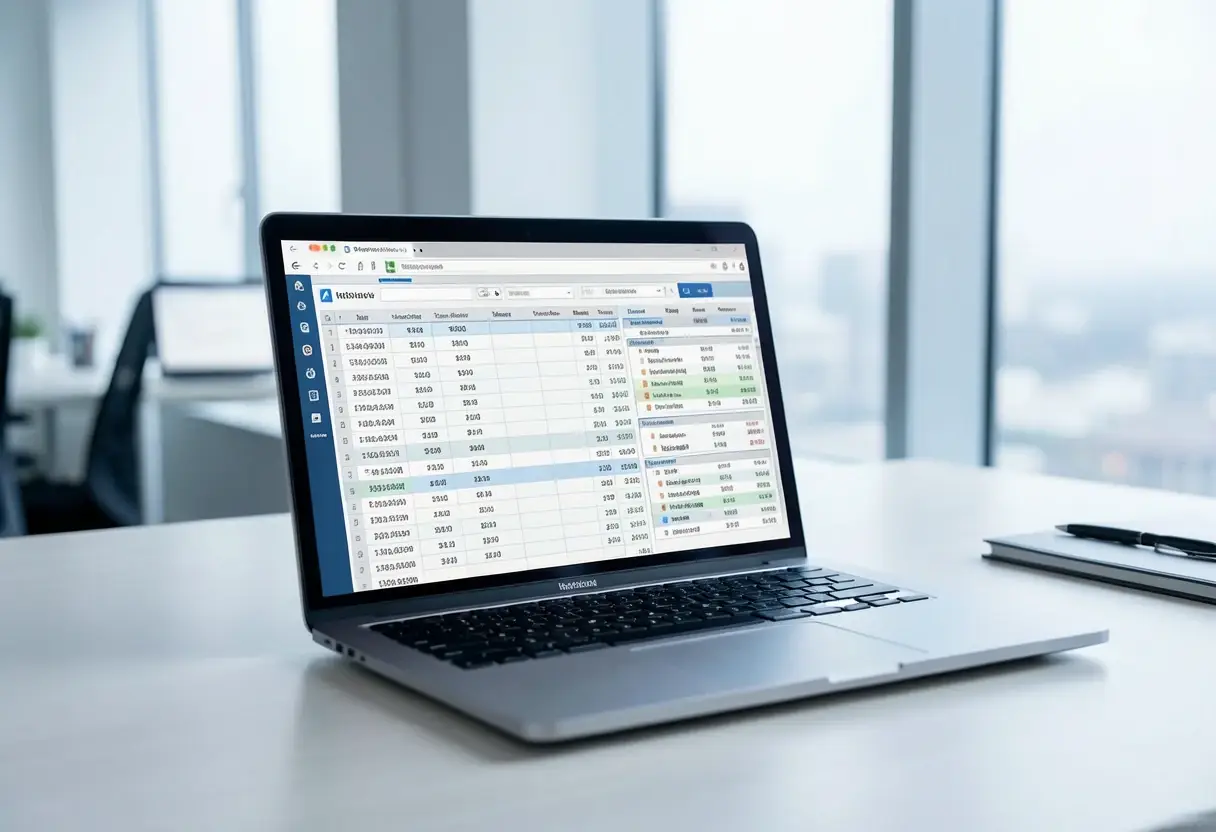
Microsoft Excel users holding an M365 Copilot license can now automate repetitive worksheet tasks by saving reusable instructions as custom Copilot skills. A walkthrough published by Excel Off The Grid demonstrated the feature end to end, building a "finance commentary writer" skill that drafted variance commentary directly onto a worksheet.
The mechanism is file-based rather than conversational. A skill is a markdown file named skill.md, placed in its own folder, where the folder name must match the skill name exactly. The skills live under a defined OneDrive path: Documents, then Copilot, then Microsoft Excel, then a subfolder named "skills", which ships with an example file called "makecal".
What does setup actually require?
The setup is manual. Excel offers partial automation: selecting the "create skills folder" option generates the folder in OneDrive after roughly 4-5 seconds. The interface's "add" button, however, only navigates users to the folder and does not create folders or files.
Each skill.md file requires a "front matter" section bounded by three dashes at top and bottom, containing two fields:
name:the skill's namedescription:the skill's description
Below this header, users write the instructions themselves. The "finance commentary writer" skill specified sentence structures, vocabulary such as "favorable" or "adverse", and rules for interpreting variances against a 1% threshold.
How was the skill tested?
After creating the file, the tester refreshed Copilot settings in Excel and invoked the skill using @SkillName syntax, entering @finance commentary writer. The test worksheet supplied four inputs: income in cell G7, gross profit in G9, overheads in G17, and EBIT in G19.
The instructions prohibited the model from performing calculations; the skill had to rely on visible worksheet data. The results followed the predefined rules. An income variance of 682 was described as "broadly in line with budget" because it fell below 1%. A gross profit variance of 659 was labeled "adverse to budget" because it exceeded 1%. The skill also located the overheads value in G17 despite an incorrect G19 reference in the inputs.
Copilot wrote the output onto the worksheet, marking changes with a rainbow-colored border, confirming completion with a "done" message, and offering an "undo" option for revisions.
What does this change for Excel users?
For finance teams and analysts, the pattern replaces repeatedly retyped prompts with a single versioned instruction file, and it applies consistent language rules across reports. The walkthrough noted one caveat on output fit: the generated commentary suited emails or report covers better than direct worksheet display.
The feature sits behind Microsoft's premium tier. Users without an M365 Copilot license cannot create or invoke skills, and every skill requires hand-built folder structure and file formatting.
The demonstration suggests a workable template for other domains: any task governed by fixed sentence structures and thresholds, from management commentary to variance analysis, can move from manual drafting to a single @-reference. As adoption spreads, the open question is whether Microsoft automates the file scaffolding that currently demands manual OneDrive work.
Source: geeky-gadgets.com
More from Tom Whitfield
Show full bio
Correspondent covering companies, deals and strategy in Product and interaction design, design systems at Interface Wire.
117 articles