Opus 5.5 Helps Build a Five-Servo High-Five Robot Arm
Opus 5.5 produced the initial parts, wiring diagrams and firmware for a five-servo robot arm, while Blender edits, camera calibration and PWM debugging made it usable.
- AuthorRebecca Stone
- ChannelAI & Emerging Interfaces
- Filed
- Read4 min
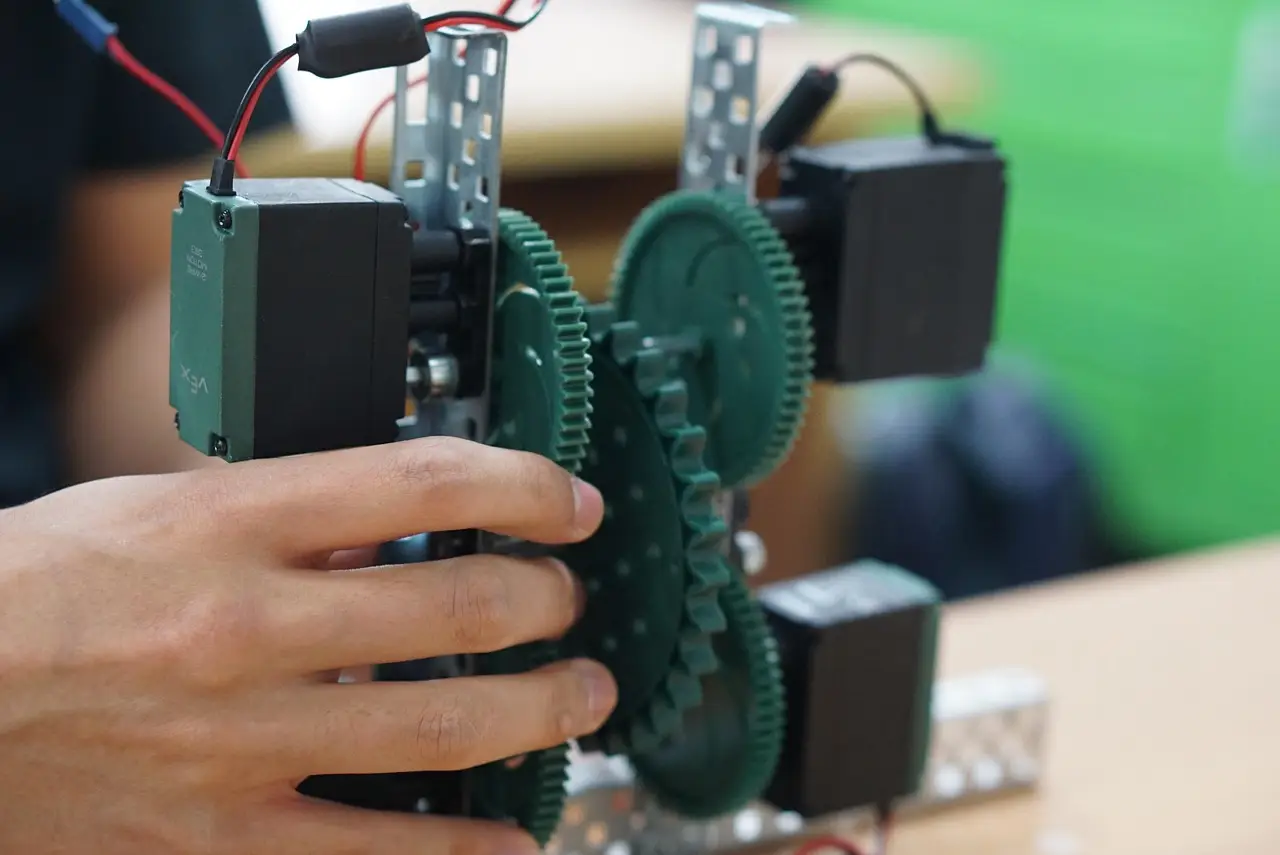
- Opus 5.5 generated the initial 3D parts, wiring diagrams and firmware for Greg.
- Greg uses five servo motors, an ESP32-S3 and a Seeed Xiao ESP32-S3 Sense camera.
- Three engineering problems drove iteration: servo alignment, camera calibration and conflicting PWM channel configurations.
- The build added a fifth joint, a wide-angle camera, voice control and web-based sliders.
By Rebecca Stone
Opus 5.5 generated the initial 3D parts, wiring diagrams and firmware for a five-servo robot arm that detects an open palm and returns a high five, but humans still had to refine the machine.
The project, named Greg, combines 3D printing, off-the-shelf electronics and programmed motion. Its camera identifies the position and orientation of a user’s hand; an ESP32-S3 microcontroller processes that input and guides the arm. Five servo motors coordinate the joints. The project report calls the AI output “not flawless,” a caveat that shaped the build.
How does Greg recognize a high five?
Greg uses vision-based hand detection. The Seeed Xiao ESP32-S3 Sense camera module supplies the visual input, while the microcontroller translates the detected hand position into movement commands for the servos. The arm then moves toward the user’s palm. The intended result is the smooth, responsive high five described in the project.
The core stack separates motion, computation and sensing:
- Five servo motors control the arm’s joints and coordinate its movement.
- The ESP32-S3 processes commands and coordinates those motors.
- The Seeed Xiao ESP32-S3 Sense camera detects gestures and reports the hand’s position and orientation.
- A custom perf board distributes power and organizes the wiring.
Developers 3D-printed the base and arm. Combined with off-the-shelf components, those custom parts made the construction easier to tailor to specific needs and budgets, and the project team described the approach as cost-effective and scalable.
What did Opus 5.5 actually design?
Opus 5.5 produced three linked outputs: initial designs for the 3D-printed parts, a wiring diagram and the firmware. The developers then brought those files into Blender, where they corrected the geometry so the parts would fit together and function with the arm’s mechanical and electronic systems.
The report says the model significantly reduced the time and effort needed to create complex components. It provides no build duration, component price, detection accuracy or latency, so “significantly reduced” remains a qualitative claim rather than a measured comparison. Human review supplied what the draft lacked: part compatibility, physical alignment and working control code.
Where did the hardware need correction?
Three problems drove most of the iteration:
- Servo fitting and wiring: The first designs went through multiple revisions to align the servos correctly and keep the wiring functional.
- Camera positioning: Placement affected recognition; calibration mapped joint angles to the detected hand positions.
- Software bugs: Conflicting PWM channel configurations required debugging and manual adjustments.
Camera calibration tied the sensing and motion systems together: it mapped joint angles to hand positions, so changing a servo’s alignment or the motion code also changed the target derived from the camera. Iterative testing, rather than a single assembly, produced the working sequence.
What changed after the first working version?
Four additions expanded the interaction:
- A fifth joint let the robot hand align with the user’s palm, producing a more natural, fluid high-five motion.
- A wide-angle camera module enlarged the field of view so the system could detect hands from more angles.
- Voice control added another way to interact with Greg.
- Web-based sliders let users fine-tune the arm’s movements.
Together, the changes targeted three parts of the experience: palm alignment, hand acquisition and control. The fifth joint addressed pose, the wider lens addressed where a hand could be found, and the latter two gave users direct adjustment of the robot’s movement.
What can other builders learn from Greg?
The project’s broader lessons are practical:
- Test repeatedly. Regular testing exposed design flaws in hardware and software.
- Review AI output. Faster drafting helps only when a person checks fit and function against specific requirements.
- Distribute power deliberately. Reliable servo movement in a multi-joint system depends on effective power distribution.
- Print accurately. Tolerances in 3D-printed parts determine whether components fit together as intended.
The combination of purchasable electronics and custom fabrication supports a build that hobbyists can approach, whether they are experienced programmers or beginners in electronics. Greg does not show AI designing a robot without human intervention; it shows a narrower division of labor in which AI handles early artifacts and people validate the physical system.
For the next generation of hobbyist robotics, the useful takeaway is that Opus-style tools may shorten the first drafting pass, while servo alignment, camera calibration, power delivery and printed-part tolerances will still decide whether the arm behaves as its interface promises.
Source: geeky-gadgets.com
More from Rebecca Stone
Show full bio
News editor covering technology and product news in Product and interaction design, design systems at Interface Wire.
79 articles