ProLED XDR display, not touch, drives the new MacBook Pro
Apple’s new ProLED XDR MacBook Pro reaches 2,000 nits and 10,000,000:1 contrast. The review finds touch useful in Final Cut Pro, but accuracy and a wobbling hinge favor the trackpad.
- AuthorSophie Lindqvist
- ChannelProduct Design
- Filed
- Read3 min
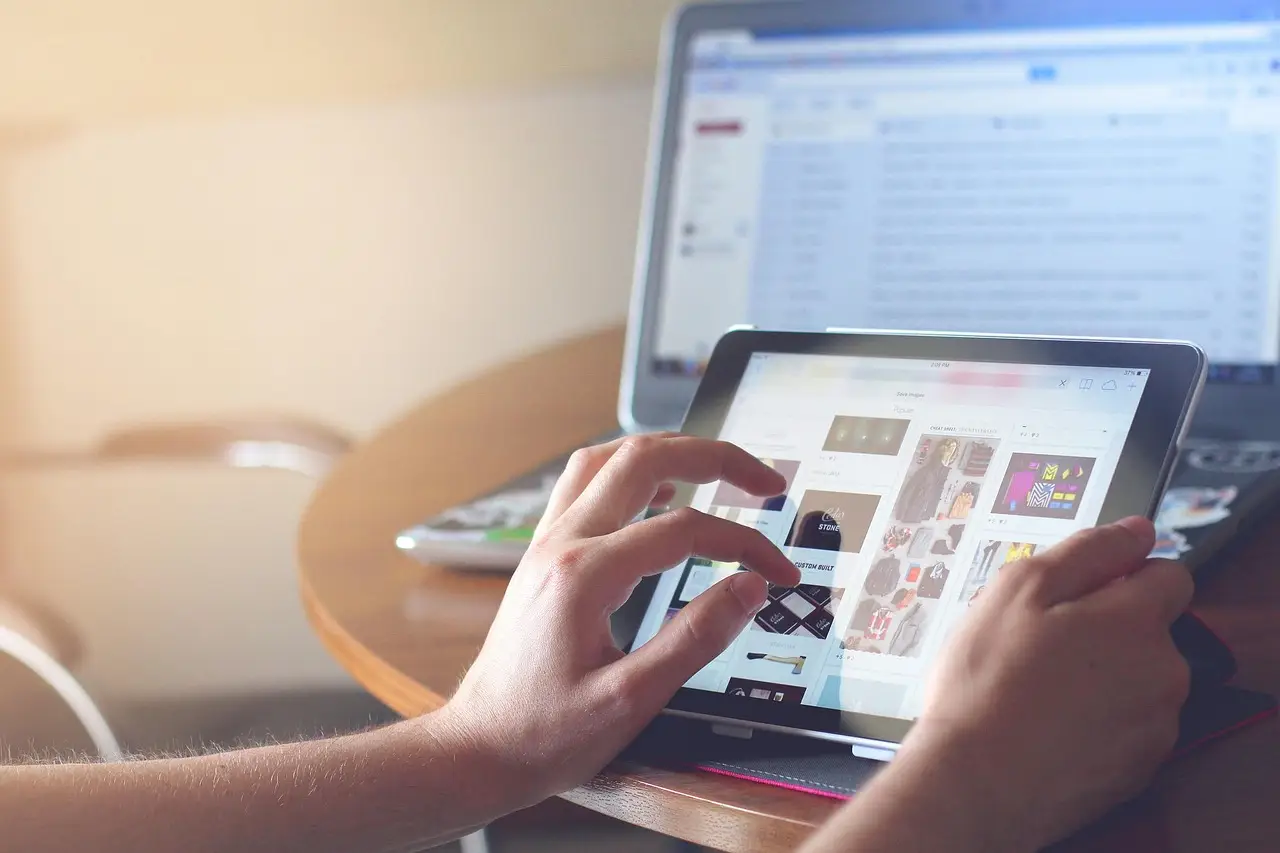
- ProLED XDR reaches up to 2,000 nits of peak brightness, with specified 10,000,000:1 contrast.
- Color support includes P3 and Adobe RGB.
- Starting prices are $2,899 for the 14-inch model and $3,399 for the 16-inch model.
- The OLED panel reduces weight by 14%; the 14-inch Pro weighs less than the 15-inch M5 MacBook Air.
- Apple claims a more stable hinge, but Daniel John reports that it still wobbles.
By Sophie Lindqvist
Apple’s upcoming 14-inch MacBook Pro with the ProLED XDR display reaches up to 2,000 nits of peak brightness and carries a specified contrast ratio of 10,000,000:1. That panel, rather than its new touchscreen, provides the stronger reason to consider the machine for creative work.
Apple also specifies P3 and Adobe RGB color support. Design editor Daniel John, who spent several days with the notebook, gave the display a clear verdict: “It's the best laptop screen I've ever seen.” In his experience, it surpasses every other OLED laptop screen he has used, and the difference makes those displays appear washed out.
John’s verdict rests on that short period of practical use. He describes the ProLED XDR as a portable reference-quality display that recreates video, color and contrast as faithfully as possible. He even considers the MacBook Pro perhaps the ultimate device for creatives, although his recommendation assumes that the price does not become a barrier.
The product also overturns a long-running position at Apple. Rumors of a touchscreen MacBook had circulated since the 2000s, but Steve Jobs rejected the concept in 2010. He called it “ergonomically terrible” and asked, “Who wants a stylus?” John notes that millions of Apple Pencil users have since supplied an emphatic answer.
What changes for creative work?
The stated advantage extends beyond peak brightness. The combination of 2,000 nits, a 10,000,000:1 contrast ratio and P3 plus Adobe RGB color support underpins John’s reference-quality description. He considers it the most impressive visual fidelity he has encountered on a laptop.
That matters when creators judge video, color and contrast on a laptop. The review does not claim a new editing workflow or a measurable speed gain. Instead, it identifies a display-quality gain: John says the notebook shows those attributes as faithfully as possible while remaining portable.
For creatives, the financial condition is straightforward. The 14-inch configuration starts at $2,899, and John says that price can block an otherwise straightforward recommendation. His enthusiasm therefore applies to people for whom visual fidelity justifies a substantial premium.
Does touch improve the workflow?
John classifies touch as a nice-to-have rather than a need-to-have. His reasoning reflects a change since Jobs made his objections in 2010: users have become accustomed to touchscreen interfaces, and several navigation actions now feel more intuitive through direct contact.
Those actions include:
- Scrolling through windows
- Pinching to zoom into a photo or map
- Scrubbing through the timeline in Final Cut Pro
Apple reinforces that behavior with small interface adjustments. Navigational icons expand when touched, giving the targets more room and making them easier to find. John finds these gestures useful when reaching for the trackpad would add unnecessary movement, particularly during browsing or timeline review.
Precision changes the calculation. When exact positioning matters, John often prefers the trackpad. Apple says the new hinge has greater stability, yet the reviewer still finds that it wobbles. The geometry also works against touch: a vertical screen is less ergonomic than a flat one because users reach toward an upright surface rather than operate from directly above.
What changes in the chassis?
The exterior design changes remain incremental in John’s assessment. The exception for some buyers is the return of the illuminated Apple logo. The Dynamic Island occupies less space than the notch, and slightly smaller bezels produce slightly larger viewing areas.
Weight reduction carries more practical value. Apple attributes a 14% weight loss to the OLED panel. The result is that the 14-inch MacBook Pro weighs less than the 15-inch M5 MacBook Air.
What will buyers pay?
At publication, preorders are open, and release is scheduled for the following day. Starting prices are:
- 14-inch MacBook Pro: $2,899
- 16-inch MacBook Pro: $3,399
John’s final ranking is clear: the screen outweighs the touchscreen. For creative buyers, the immediate test is whether that visual advantage justifies the entry price while touch remains useful for navigation but secondary for precision. The screen leads; touch remains optional.
Source: creativebloq.com
More from Sophie Lindqvist
Show full bio
Staff writer covering people, launches and day-to-day practice in Product and interaction design, design systems at Interface Wire.
84 articles