Adobe Max: Generative Remove arrives in Premiere beta
Adobe Max brings Generative Remove to Premiere beta, plus Photoshop Relight, Lightroom Open Eyes and Figma-flavored Firefly workflow tools across Creative Cloud.
- AuthorRebecca Stone
- ChannelAI & Emerging Interfaces
- Filed
- Read3 min
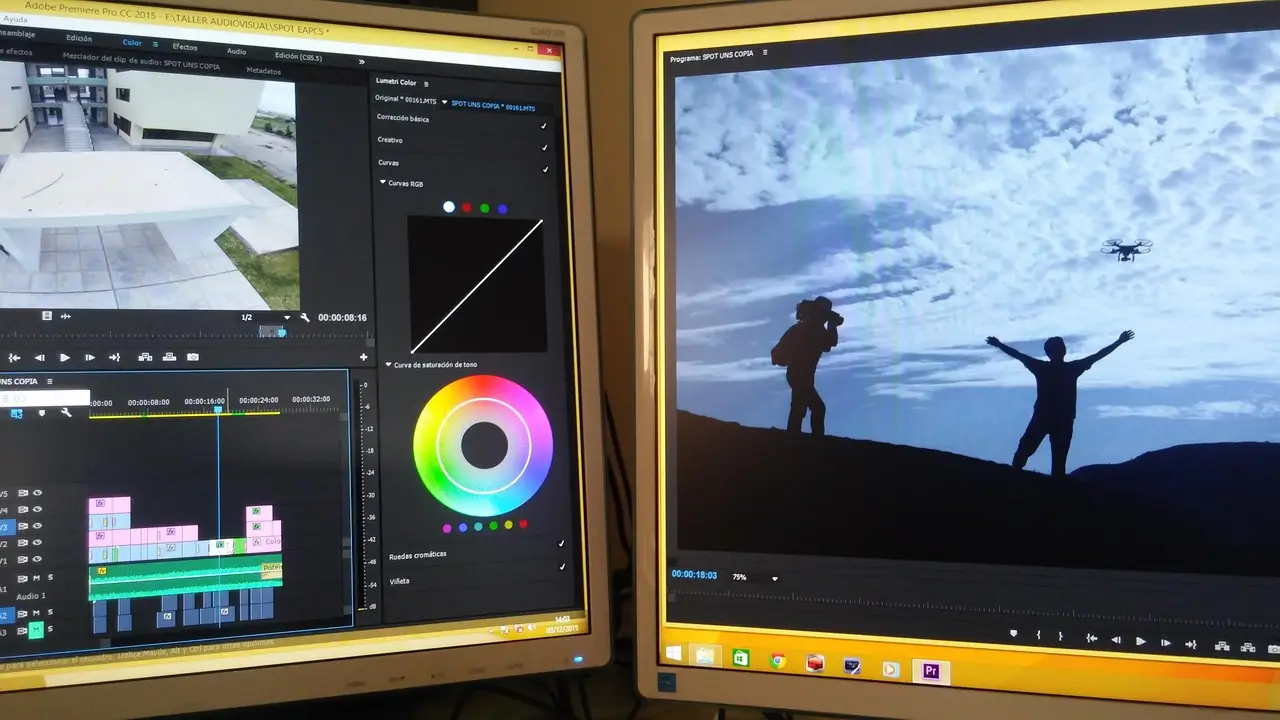
- Adobe announced Generative Remove in beta for Premiere at its Max event today, erasing tracked objects directly on the timeline.
- Photoshop gains Quick Compare and Relight, plus an updated Remove Tool that reconstructs reflections, shadows and footprints.
- Lightroom's one-tap blemish tool moves to desktop; Open Eyes enters public beta, matching open eyes from a library reference photo.
- Firefly Quick Actions are generally available; Firefly Design and Graph enter beta, and Firefly Builder opens in private beta for app and site prototyping.
Adobe has shipped a Generative Remove tool in beta for Premiere that erases boom mics, background clutter and other unwanted objects directly on the video editing timeline — the headline of a broader AI push announced at its Max event today across Photoshop, Lightroom and the Firefly platform.
The workflow is deliberately simple. A user masks and tracks an object, clicks Remove, and Premiere "fills the area with realistic detail" using generative AI, according to Adobe, while the footage around the erased area stays untouched. Anyone who follows Adobe's experimental work has seen this before: a similar capability called Project Frame Forward appeared in last year's Sneaks showcase, the slot Adobe reserves for features still in development.
What's new in Premiere beyond erasure?
Premiere also picks up sound editing tools that clean up messy recordings and split audio sources — dialogue, music, ambience and sound effects — into individual tracks and elements. That separation, previously a manual chore, now happens automatically.
Two more pieces round out the video story. Generative Media, which Adobe introduced earlier this year, is now generally available. Color Mode, the color editing experience Adobe launched in beta in April, ships alongside it.
How do Photoshop and Lightroom change?
Photoshop's Remove Tool got an update that makes it better at detecting and reconstructing the elements around whatever it erases — reflections, shadows, even footprints. That's the difference between a patch and a believable edit: the surrounding context has to rebuild itself, not just the hole.
Two features are new outright:
- Quick Compare — a before-and-after canvas split-screen slider that lets you review edits without jumping between layers.
- Relight — adds new light sources you can position around the canvas to dynamically adjust an image's lighting, with controls for hue and brightness.
Lightroom gets its own pair. The blemish removal tool already on mobile is coming to desktop, retouching skin with a single tap. And Open Eyes lands in public beta, fixing blink-mishap photos by replacing closed eyes with "natural-looking" open-eyed results, matched against a reference photo of the subject pulled from your image library.
What's happening in Firefly?
Firefly, Adobe's AI creative suite, is expanding in several directions at once. Quick Actions — ready-made workflows that automate specific tasks like making video thumbnails and product ads — are now generally available.
New beta experiences include:
- Firefly Design — a combined workspace spanning illustration, image editing, animation, 3D and print.
- Firefly Graph — which, per Adobe, "helps creators build and iterate on custom, repeatable workflows." It looks rather like Weave, the platform Figma introduced last year.
- Firefly Builder — a private-beta tool for prototyping websites and apps that shares similarities with Figma Make.
The Figma parallels are hard to miss. Adobe is visibly competing on structured, node-based workflow tooling, not just one-shot generation.
These are the most interesting announcements, but they're a fraction of the full slate — Adobe has posted the complete list of new AI and design features on its blog. Expect the beta labels to start dropping as Max-season features move toward general release in the coming months.
By Rebecca Stone
Source: theverge.com
More from Rebecca Stone
Show full bio
News editor covering technology and product news in Product and interaction design, design systems at Interface Wire.
79 articles