Adobe Sneaks 2026: AI tools that edit video, vector and characters
Adobe Sneaks 2026 showed ten AI prototypes, including video editing from one prompt and a tool for interviewing fictional characters. Here's what each does.
- AuthorPriya Raman
- ChannelAI & Emerging Interfaces
- Filed
- Read4 min
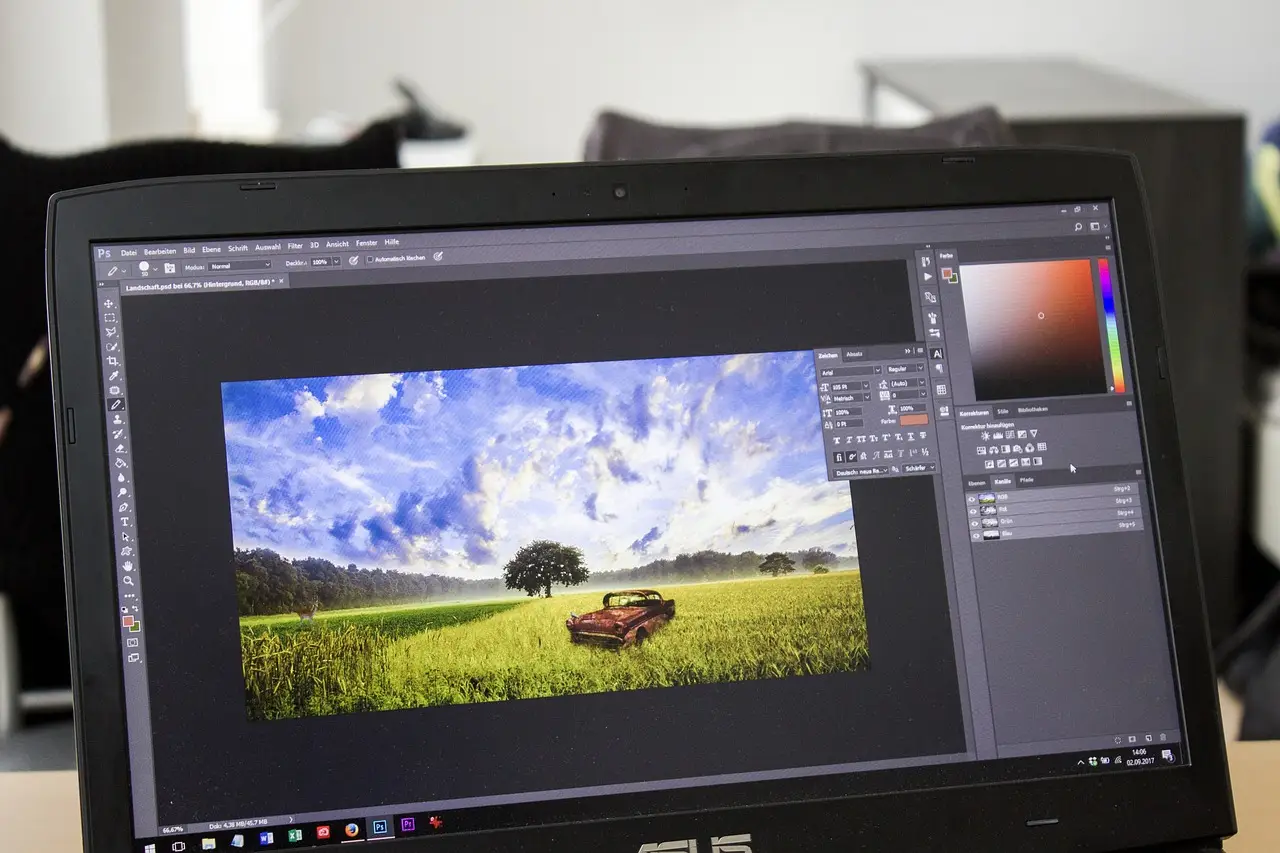
- Adobe revealed ten AI-focused Sneaks prototypes at Adobe Max 2026 in Miami
- Project Scene Sweep edits multi-shot video sequences from a single text prompt
- Project Deep Brush is testable now on the new Adobe Labs Playground site
- Project Link Up turns vector drag-and-drop into real-time semantic fusion with editable output
- Sneaks previews historically ship in Creative Cloud in some form
Adobe showed ten AI prototypes at its Sneaks session at Adobe Max 2026 in Miami, and one of them promises to edit an entire multi-shot film sequence from a single text prompt. Project Scene Sweep, the video-focused headline, understands characters, locations and scenes across a sequence so a change — removing a person, swapping wardrobe, replacing an unlicensed logo — applies consistently across every cut and camera angle. No reshoot required.
That last part deserves scrutiny. Adobe frames it as a post-production fixer: pull a prop out of every shot it appears in, or replace artwork for clearance. It also suggests recasting a lead, changing a location, or generating localisation variants. Each of those use cases replaces work currently done by reshoots, compositing teams or licencing departments. Adobe didn't say how well the tool handles occlusion, motion blur or scenes where a character appears for two frames behind glass. Sneaks demos are curated; shipping behaviour often isn't.
Two more video tools joined it:
- Project Sound Bender — describe a sound in plain language, pull it out of a finished mix, then explore variations on an interactive canvas.
- Project Live Set — change a subject or environment, or redirect the camera, while a scene continues to play.
What changes for image editing?
Project Deep Brush decomposes an image into physically separate layers by understanding its shape, colour and lighting. That decomposition buys two capabilities: you control exactly where paint lands, and you can make lighting-aware edits. Adobe's example is placing graffiti, signage, wraps or branding onto walls, pillars and vehicles — a logo that follows the contours and lighting of a curved bottle instead of floating on top of it. Anyone who has mocked up product shots with flat logo overlays will recognise the gap this closes. Unlike most Sneaks, this one is testable: Adobe says it's available on the new Adobe Labs Playground site.
Project Hands On attacks a different bottleneck in generative imaging — the prompt rewrite loop. It analyses an image's contents and adds graphical controls, including control points you drag to reshape details. The pitch: stop regenerating an image five times because the wording was off, and start manipulating the output directly. It's a step from text-based editing toward a fully graphical interface, and it mirrors a broader industry shift from prompting to direct manipulation. The catch is precision at the pixel level, which Adobe hasn't demonstrated publicly.
Can you interview a character?
Project Screen Test was the wildest reveal. Character designers build a creation's look, voice and personality, then hold a natural-language dialogue with that character to learn how it might behave in a given scene. Adobe's framing: the character effectively auditions for you. The idea is to turn character development in generative filmmaking and game development into a more intuitive, expressive part of storytelling rather than a spec-sheet exercise. Whether a chatbot trained on a character bible produces useful acting choices or plausible-sounding filler is exactly the question a Sneaks demo can't answer.
What about 3D and vectors?
Project Sight Span transforms a single image into an interactive, navigable world you can step inside and explore freely. Creators could frame shots beyond the original image's bounds, then render new images or camera-controlled videos — a workflow some artists already approximate with Gaussian splats. Adobe points to set design and world building as targets. The comparison to splats is Adobe's own, and it sets a fair benchmark: splat scenes degrade with geometry errors, so Sight Span will be judged on how it handles reflective and transparent surfaces.
Project Link Up takes on vector workflows. In existing vector tools, dragging one object onto another only decides where it lands. Link Up converts that drag into what Adobe calls semantic fusion: it combines its understanding of both objects with drag path, velocity and creative controls to shape how they influence each other in real time, and the result stays fully editable vector artwork. Placed 2D or vector assets get automatic perspective matching, which would spare designers redrawing objects at new viewing angles. For typography, illustrated elements could merge with letterforms while the type remains editable — a direct appeal to branding, logotype and packaging work.
Will these ship?
Adobe's Sneaks track record argues for patience, not dismissal. The teasers tend to arrive in some form, though rarely with the exact scope shown on stage. This year's batch leans overwhelmingly on AI, spanning film, digital art, photography and design. Deep Brush is the only one you can try today; the rest exist as stage demos. Watch which of the ten surface in Creative Cloud betas over the next year — Scene Sweep and Link Up change the most expensive workflows, and that's usually where Adobe ships first.
Source: creativebloq.com
More from Priya Raman
Show full bio
Market editor covering technology and product news in Product and interaction design, design systems at Interface Wire.
68 articles