Anthropic Ships Whiteboards, Sheets and Data to Claude in Beta
Anthropic's beta Whiteboard, Sheets and Data artifacts turn CSVs into dashboards, automate spreadsheet imports and connect external apps for paid Claude plans.
- AuthorJames Calloway
- ChannelAI & Emerging Interfaces
- Filed
- Read3 min
- Anthropic launched Claude Whiteboard, Sheets and Data in beta for all paid plans (Pro, Max, Team, Enterprise).
- Whiteboard converted a messy CSV into a clean dashboard and generated a 5-year Tesla stock whiteboard.
- Sheets imports Google Sheets or CSV data in a single click with automatic population.
- Claude Data, rebranded from Claude Dashboard, pulled Drip email stats via Zapier MCP.
- Unsupported apps rely on third-party tools like Zapier, a potential limit on adoption.
Anthropic has launched three beta features — Claude Whiteboard, Claude Sheets and Claude Data — for every paid plan, including Pro, Max, Team and Enterprise. All three live under the "artifacts" section of the Claude desktop app, the web app at claude.ai, and the mobile app, and all three push in the same direction: turning conversation into shareable, collaborative data products.
According to Brock Mesarich, whose walkthrough documents the release, the features cover visualization, spreadsheet automation and external app integration. Together they give Claude a working surface that resembles a lightweight BI stack more than a chat window.
What does Claude Whiteboard actually do?
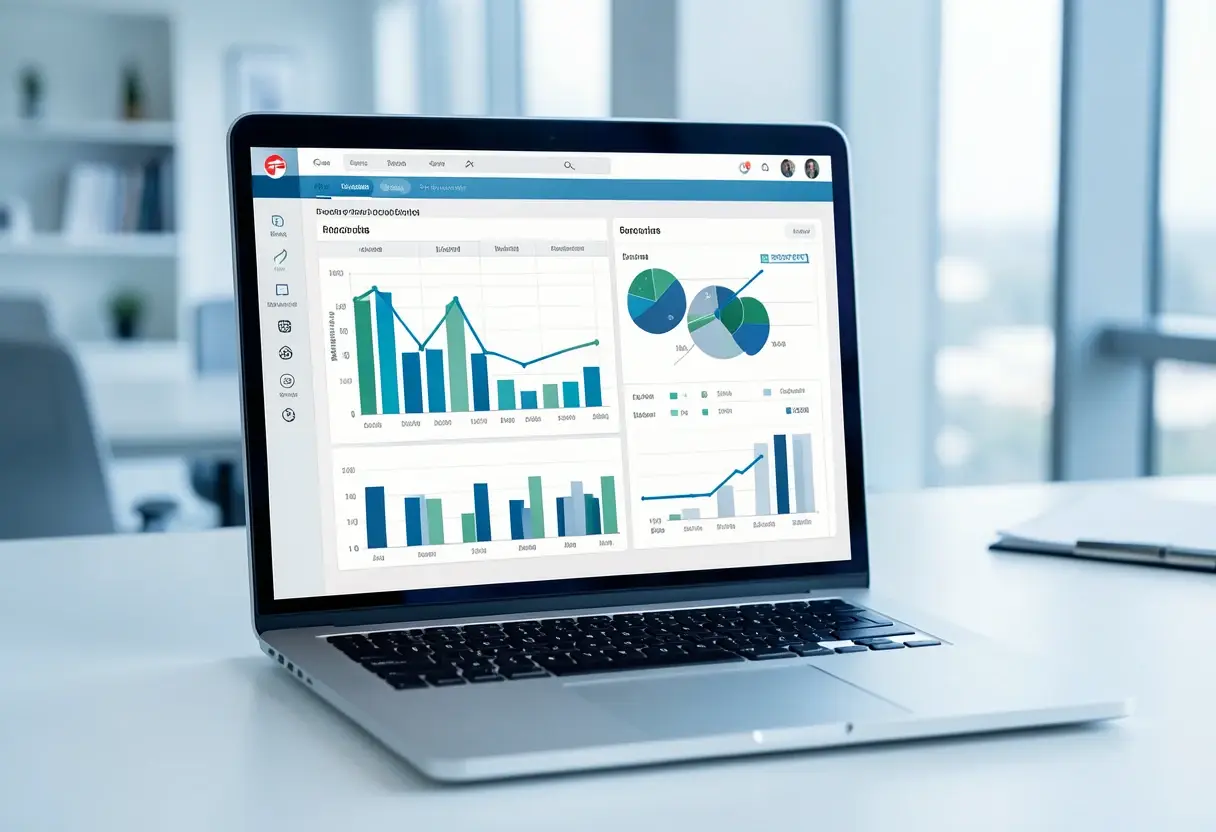
Claude Whiteboard produces interactive visuals from prompts or structured data such as CSV and PDF files. In one test, a prompt generated a whiteboard illustrating Tesla's stock growth over the past five years, complete with statistics and a graph. Quarterly stock price graphs followed just as quickly.
The tool also handles messy input. A disorganized CSV with categories like "AI news" and "short-form content" came out as a clean, visual dashboard. Users can refine results directly — editing text, adjusting colors, adding data points — rather than regenerating from scratch.
Sharing works through links, email invitations or an "anyone with the link" setting. Whiteboards export as PNG images, PDFs, or in formats suited to external apps like Miro. Every generated board is stored automatically in the Artifacts section for later retrieval.
Functionally, this puts Whiteboard in the same territory as Miro or Excalidraw, with the difference that the canvas is generated from data rather than drawn by hand.
How does Claude Sheets handle spreadsheets?
Claude Sheets behaves much like Google Sheets, interface included. The automation is the draw: importing a spreadsheet from Google Sheets or a CSV takes a single click. In one demo, a Google Sheet tracking YouTube and Instagram growth connected to Claude Sheets, which then populated the data automatically — no manual entry.
Spreadsheets share with team members through links, which keeps collaborative analysis inside the same workflow as the data itself.
What changed with Claude Data?
Claude Data is a rebranded version of the earlier Claude Dashboard feature. It creates visuals, animations and dashboards from data sources such as CSV files, and it supports direct app integration through "connectors" — search for an application, sign in, and complete the connection.
One demonstration pulled data from Drip through Zapier MCP using the prompt: "Use the Zap Your MCP to pull information from my Drip account." The resulting dashboard displayed email list statistics — active, unsubscribed and undelivered counts — plus email-sending history. Output styles include dashboards, animations and visual shorts, and a "visual analysis" mode produces animations, storyteller breakdowns or visual shorts.
The Data artifact also consolidates dashboards across multiple applications. In one demo, a "data" artifact rendered information in a "clay" design style, and the resulting artifacts can be shared so teams can collaborate on specific data points.
Where are the limits?
The constraint is integration reach. Apps without native connectors depend on third-party bridges like Zapier, which may limit the appeal for teams whose toolchains sit outside that ecosystem. Anthropic is reportedly prioritizing team interaction through these data artifacts, so the connector list is the piece most likely to grow.
Still in beta, the three tools form a coherent suite for generating, visualizing and sharing data across formats — and they signal that Anthropic sees Claude's next battleground in collaborative artifacts rather than conversation alone.
Source: geeky-gadgets.com
More from James Calloway
Show full bio
Senior reporter covering regulation, policy and their impact on Product and interaction design, design systems at Interface Wire.
99 articles