Apple's $299 HomeView: a superb smart display that stumbles as a family phone
Apple's first smart display costs $299 and controls a smart home at light-switch speed, but its profile switching lets family members read each other's texts.
- AuthorJames Calloway
- ChannelAI & Emerging Interfaces
- Filed
- Read5 min
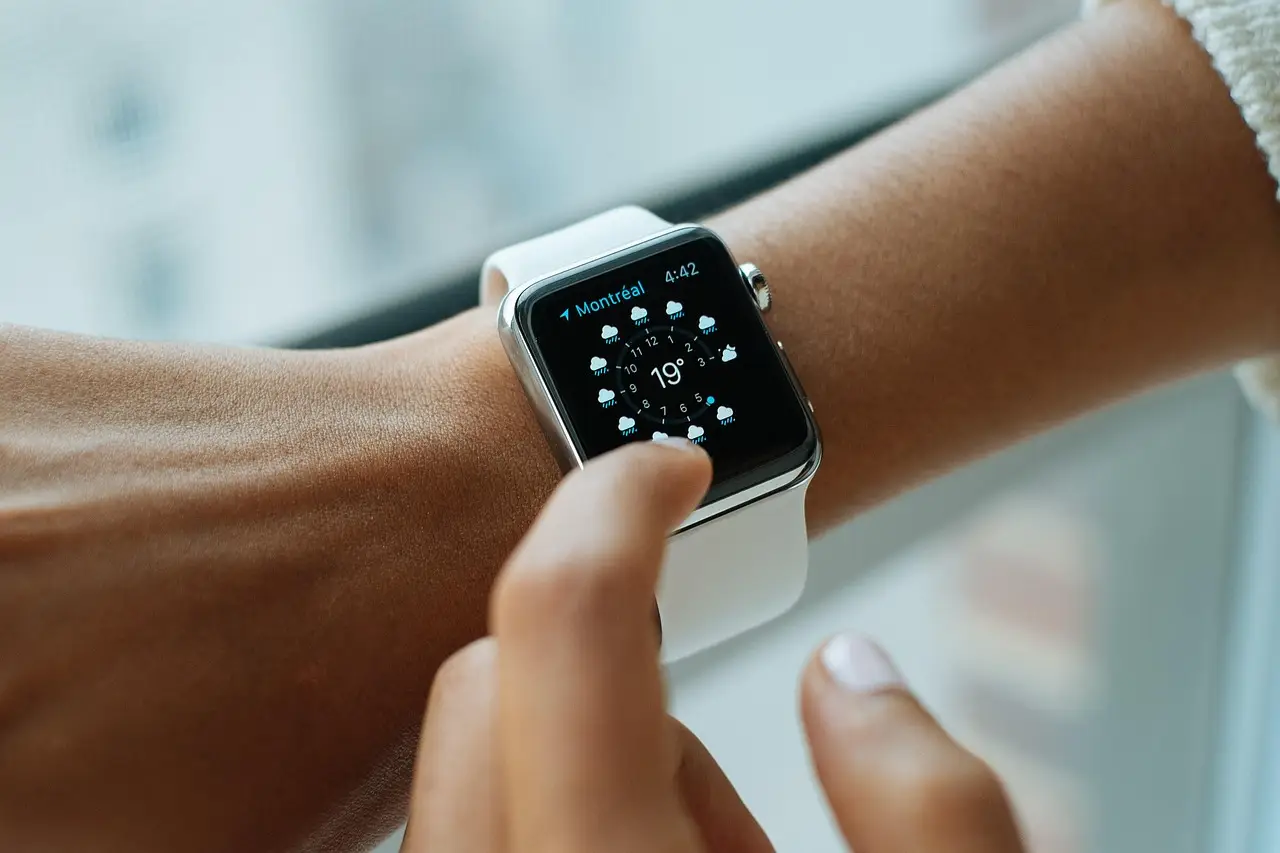
- Apple's HomeView smart display costs $299 with a 7-inch square touchscreen, in tabletop and wall-mounted versions.
- A built-in Thread radio and Matter controller make it Apple's first always-on-screen Home hub.
- Profile-switching flaws let the reviewer scroll through her 15-year-old daughter's texts for up to 10 seconds.
- Wall mounting pushes the total near $400 once mounts ($59.99–$129.99) and a $39 power brick are added.
- Siri AI is the only full smart-display voice assistant with no subscription fee; Alexa Plus costs $20 a month.
Apple's first smart display costs $299, ships with a 7-inch square touchscreen, and can turn on my entryway lights as fast as a physical light switch — that's the headline from a week of testing at The Verge. The HomeView is Apple's answer to a category Amazon and Google have owned for close to a decade, and it elevates it in nearly every way, with a few quirks that matter most to families.
What does the hardware get right?
The HomeView comes in tabletop and wall-mounted versions, both priced at $299, making it Apple's least expensive screened device after the Apple Watch SE. It's smaller than expected, light enough to move around the kitchen, and tethered by a long USB-C cable that, after a few days of spinning, does get a bit twisty.
The screen is clear and bright, with no lag or stutter. A Center Stage camera above the display keeps you in frame during FaceTime calls from every corner of a small kitchen, though callers sound increasingly tinny the farther you step away. Sound quality sits close to a HomePod Mini 2 — not as room-filling, but with a touch more bass. The wall-mounted model, with one fewer speaker, still sounded richer and cleaner than an Echo Show 15 mounted in the same entryway.
The one hardware miss: no physical buttons. Adjusting volume or muting Siri means tapping the screen or pulling out your phone.
How strong is the smart home experience?
This is where HomeView shines. A Thread radio and Matter controller make it an Apple Home hub — the first with an always-on screen — and it connects to any HomeKit or compatible Matter device. It controlled lights, locks, thermostats, and cameras with impressive speed.
The reviewer configured a Smart Home face with a large button for hallway lights, smaller buttons for Goodnight and Good Morning scenes, a live Aqara video doorbell feed, and controls for a front door lock and Nest thermostat. The Camera face streams up to nine HomeKit Secure Video cameras at once, and a doorbell ring pulls up a live feed instantly, with the option to unlock the door right from the display.
Guided cooking drew several "Wow, that's really cool" reactions from visitors. Recipes hand off from the iPhone, timers auto-insert into steps like "Cook the chicken for about 8 minutes on each side," and tapping them pops the timers into Live Activities at the top of the screen.
Where does the privacy model break?
HomeView uses face and voice recognition to serve up to six household members their calendars, messages, and calls — in theory, only to them. In practice, the tester could scroll through her 15-year-old daughter's texts several times, even after the device recognized her and prompted a switch. Sit within roughly five seconds of the daughter leaving, and you can sometimes scroll for up to 10 seconds before the device locks you out. Sitting side by side near the device meant the camera still saw the daughter and never switched profiles at all.
Her daughter's verdict: "I'll just use my iPhone." But the tester's largely tech-averse husband fell in love with HomeView and immediately asked for one for his office.
How does Siri AI perform?
Siri AI, Apple's upgraded assistant in beta, is an improvement over the older HomePod Siri — much less verbose than competitors, and fast for smart home requests because they run locally. It handles conversational commands like "dim the lights in here," then "make it a bit dimmer," and can create voice automations such as "open the shades in my office at 8AM every morning," though only for one device type per request.
Personal Context, which pulls from your iPhone, is a feature neither Alexa nor Google matches. But it can be slow and regularly errors out. In one telling failure, Siri confidently gave a 1-hour-47-minute drive time to the Georgia Bushcraft Fall Gathering — guessing the location from an event note reading "Dogwood Stage" and inventing the travel time. The actual drive was five hours. "It's like your iPhone, but not as good" isn't a great pitch.
What about apps, mounts, and rivals?
Third-party apps must come from your phone, only work when it's home, and are limited to CarPlay-supporting audio/video apps and Mac-compatible widgets. The New York Times app turned out to be just a podcast feed; the Ring widget said to use your iPhone. There's no Maps, no Notes, no share sheet. The only video app is Apple TV, letterboxed to essentially iPhone size.
Wall mounting adds real cost: Schneider Electric mounts run $59.99 (USB-C), $79.99 (hardwired AC), or $129.99 (power-over-Ethernet), and with Apple's $39 power brick you're starting near $400 — for a device with fewer speakers than the tabletop version.
Among rivals, the verdict ranks Alexa Plus as the best smart home assistant and Gemini for Home as the smartest, but HomeView as the best smart display hardware and personal assistant. Siri AI is the only full voice assistant of the three with no paywall; Alexa Plus costs $20 a month or comes with Prime, and Gemini Live sits behind one too.
Apple can fix the friction: an option to disable personal features, more functional widgets, and better handling of shared content. For Apple Home households, the reviewer's closing question stands — how many are you going to buy?
Source: theverge.com
More from James Calloway
Show full bio
Senior reporter covering regulation, policy and their impact on Product and interaction design, design systems at Interface Wire.
99 articles