Pomera’s $549 US-focused typewriter packs too much into too little
Pomera’s first US-focused typewriter pairs native English software with 24-hour battery life and strong editing tools, but its cramped keys forced breaks every 300 words in testing.
- AuthorRebecca Stone
- Filed
- Read4 min
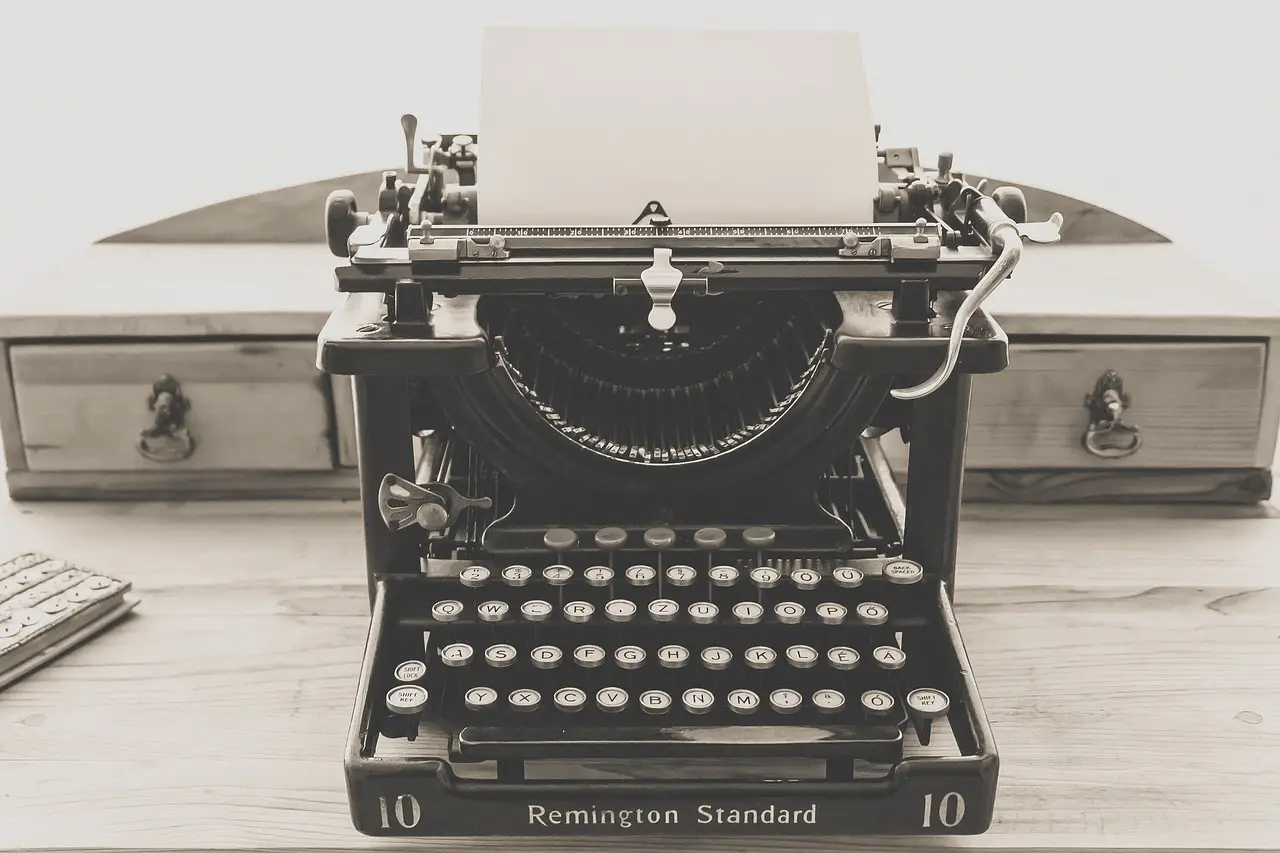
- The $549 DM250US is Pomera’s first US-focused model, with a US English keyboard and native English software.
- The device measures 10.3 by 4.7 by 0.7 inches and has a 7-inch LCD.
- Rated for 24 hours of continuous use, it needed one charge during a little over three months of sporadic use.
- More than 1GB of internal storage and an SD card slot provide room for hundreds of thousands of plain-text pages.
- Testing required breaks roughly every 300 words because the keyboard caused cramps, wrist pain and extra typos.
By Rebecca Stone
The $549 Pomera DM250US measures 10.3 inches wide, but after more than three months of testing, reviewer Rebecca Stone needed breaks roughly every 300 words because its tiny keys caused hand cramps, wrist pain and more typos.
Stone’s verdict was blunt: “The tradeoffs it makes to cram so much into such a portable device make it a literal pain to use for its intended purpose.”
What does the first US edition change?
Pomera’s digital typewriters have a cult following among people seeking distraction-free writing, though dedicated word processors never took hold in the United States as they did in Japan. The AlphaSmart Neo reached American buyers, but lacked the sleekness and portability of Pomera’s tiny folding devices.
Until last year, Pomera sold only in Japan, so buyers imported devices and wrestled with software designed for Japanese users. The DM250US is the company’s first device aimed at US writers, with a US English keyboard layout and native English software. Its pitch: write without opening Bluesky or falling into Wikipedia.
What does the hardware fit?
The DM250US uses a wide, matte-black clamshell with a 7-inch LCD that seems too small for its chassis. At 10.3 inches wide, 4.7 deep and 0.7 thick, it is the sleekest distraction-free writing device Stone has encountered.
It fit inside a tiny Uniqlo crossbody alongside a Kobo, an iPod, two sets of headphones—wired and Bluetooth—a Field Notes notebook and a pen, with room to spare. That is the portability proposition in one bag.
Its closest competitor is probably the Freewrite Traveler, which has a similar laptop-like shape and price. The larger Traveler measures 11.3 by 5 by 1 inches; its glossy plastic feels cheap beside the Pomera. Its E Ink display sips power but is completely useless in a dimly lit room.
How long does the battery last?
Pomera rates the DM250US for 24 hours of continuous use. That held up in Stone’s sporadic use: one charge covered a little over three months. The last charge came in mid-September, and the battery still read about 50 percent.
What does the software add?
The software is relatively complex for a distraction-free device. It offers extensive interface customization, a calendar and spell check. Each calendar date links to a text file in a quickly opened sidebar, letting users add appointments, notes or journal entries without closing the main document. Stone particularly liked how the calendar stays out of the way while remaining flexible.
The default display uses black text on white, although an inversion setting proved more comfortable for long sessions. A bottom status bar shows the filename, word count, battery level and time; full-screen mode hides it. Users can add ruled lines or a frame that confines text to part of the screen.
Editing goes beyond the no-frills plain text offered by competitors. Users can place markers, build an outline, insert a timestamp or template, and find or replace strings. Side-by-side file comparison and opening the same file twice support longer, more structured work.
How does syncing work?
Both wireless options are cumbersome:
- Email syncing requires a Gmail login connected to the Pomera. The text arrives in the email body, not as an attachment. Without Gmail, users must enter SMTP information manually.
- The Pomera Link app requires selecting QR code on the device, then scanning with a phone. It imports text, but cannot save it; users must copy and paste into another app such as Google Docs.
A USB-C cable transfers text like a USB drive. Storage totals a little over 1GB, enough for hundreds of thousands of plain-text pages, and an SD card slot supports moving manuscripts between devices.
Why does the keyboard decide the verdict?
The Traveler has a full-size scissor-switch keyboard and drops function and arrow keys. Pomera fits full sets of function and cursor keys into less space. Its keys offer shallow but satisfying action, and they work in short bursts, but Stone found the cramped layout especially difficult with carpal tunnel.
Stone reports that their hands cramp and wrists hurt quickly, despite not having particularly large hands. Writing this review on the Pomera required breaks every 300 words or so, and the small keys produced more typos than usual. People with particularly small hands may fare better.
What does the Bluetooth keyboard option actually do?
It does not connect an external keyboard. It lets the Pomera act as a keyboard for other devices. Bring Your Own Keyboard, or BYOK, supports an external keyboard, costs considerably less and offers less robust editing.
Can portability compensate?
If portability outranked every other concern and a clunky folding keyboard was unacceptable, the DM250US would fit the bill. It feels sturdier and more premium than the Traveler, while BYOK looks more amateurish. The $549 price and clunky syncing remain substantial drawbacks.
These devices exist for long, serious writing sessions. Stone instead reached for wrist braces and finger stretches after using the Pomera, then summarized the failure: “Discomfort is its own distraction.”
If Pomera keeps its portability, calendar and editing depth, a roomier keyboard is the most consequential upgrade it can make.
Source: theverge.com
More from Rebecca Stone
Show full bio
News editor covering technology and product news in Product and interaction design, design systems at Interface Wire.
95 articles